Advanced Ergonomics
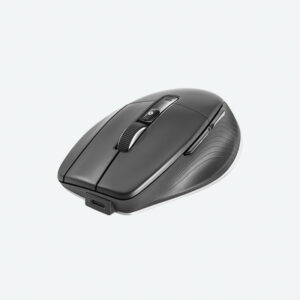
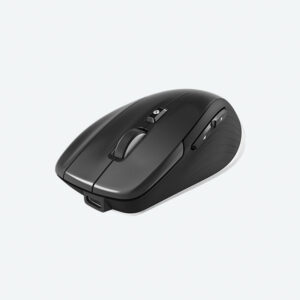
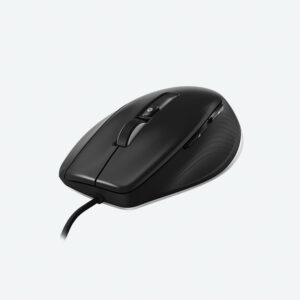
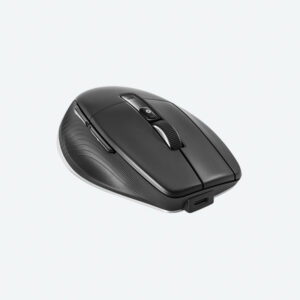
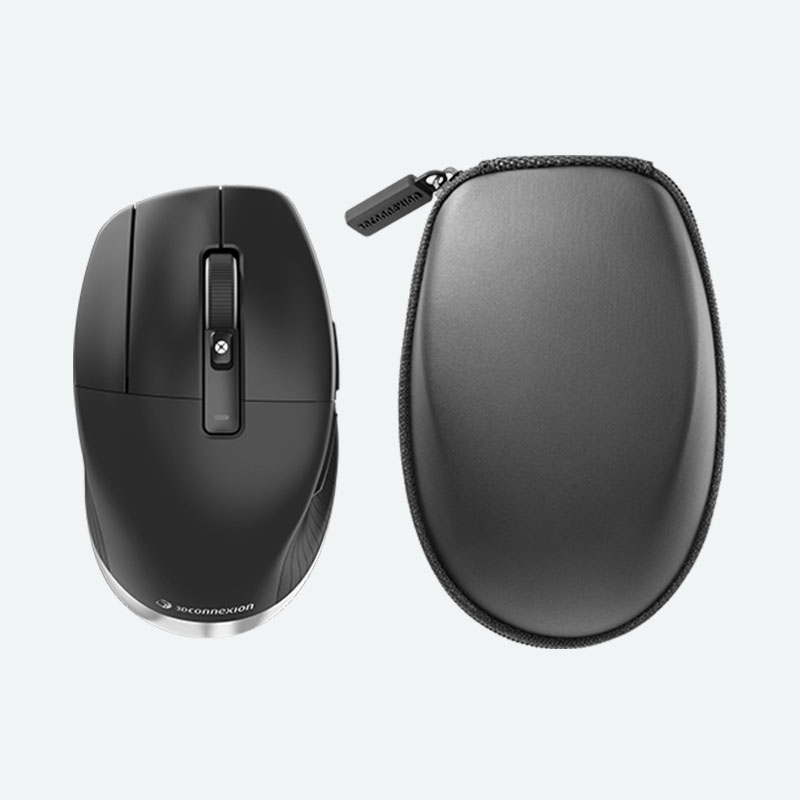
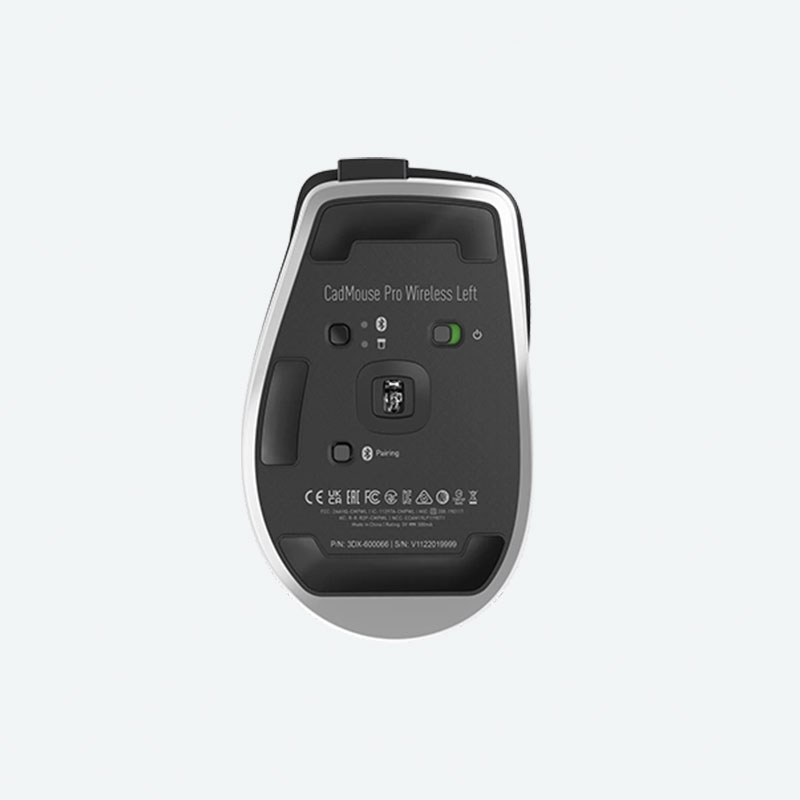
CadMouse Pro Wireless Left offers left-handed users a CAD tool designed with them in mind, and thanks to its excellent ergonomic build, a left-side transition for right-handers to reduce or avoid the Repetitive Strain Injury (RSI) often experienced through repetitious hand, finger and wrist movement.
The Button for CAD Professionals
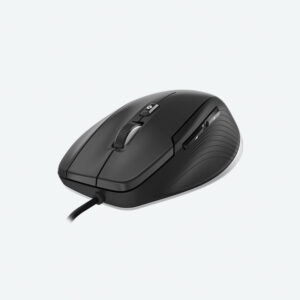
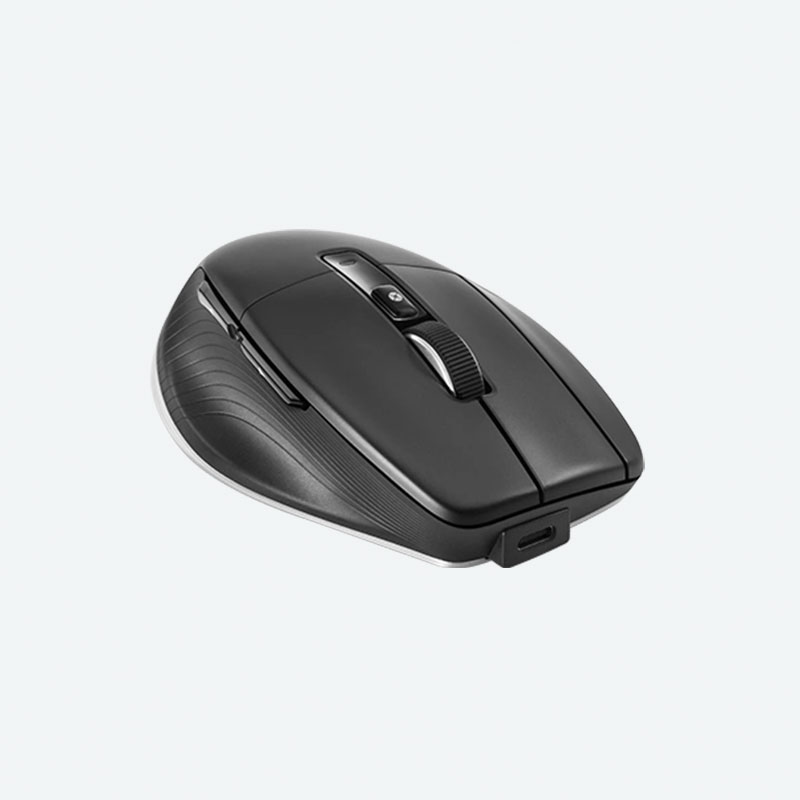
The middle mouse button is designed specifically for CAD users who require a third button to access their application functions. Using almost 60g less force than a scroll wheel click, the middle mouse button is ideal for CAD applications.
More Comfort, Less Strain
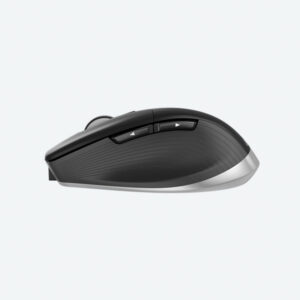
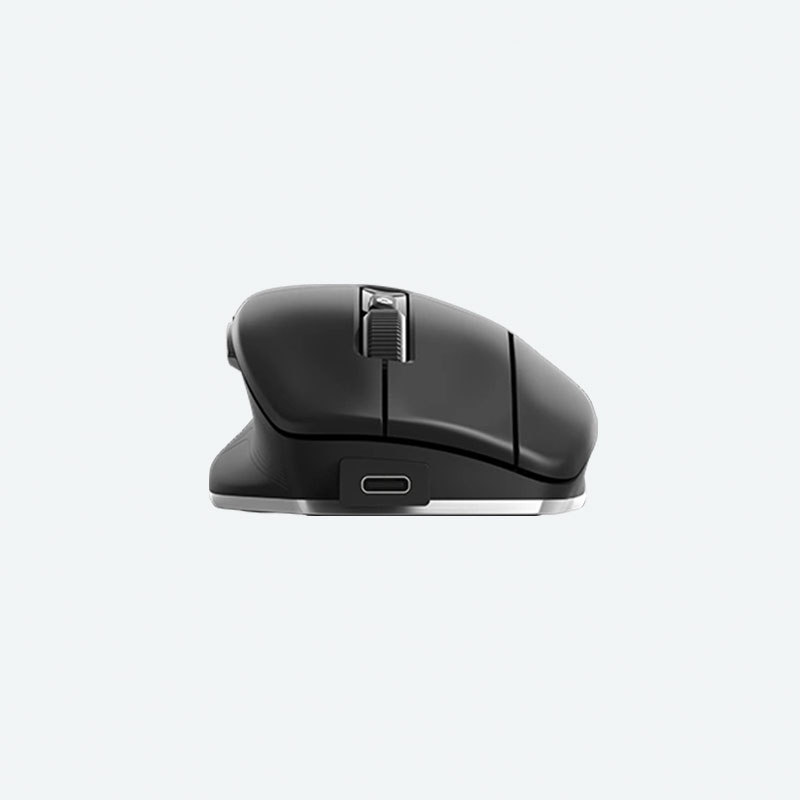
Designed with an angled shape, CadMouse Pro Wireless creates a more natural hand posture, reducing the muscle and tendon discomfort frequently encountered with traditional mice.
The Ideal Thumb Rest
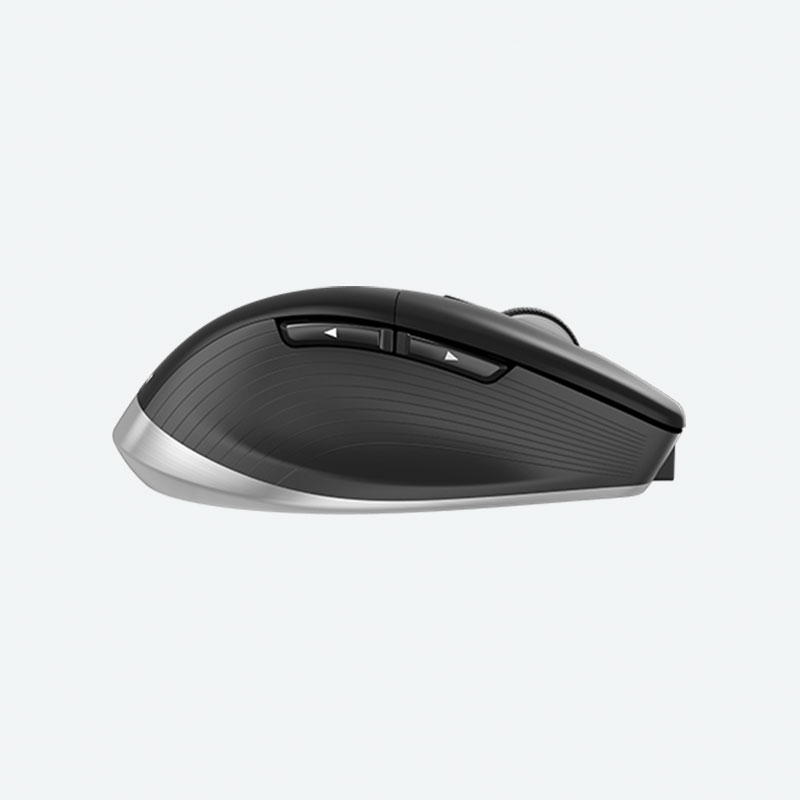
Complementing its slanted shape, the incurvated thumb rest gives thumbs an ergonomically natural place to hold onto the mouse and easy access to its side buttons.
Concave Button Shape
The three main buttons of CadMouse Pro Wireless offer a concave design, sculpted to guide the fingertips to their ideal positioning, for an organic, natural feel.
The Efficient Tool for Reducing and Avoiding RSI
By providing a left-side transition to reduce or avoid the chronic Repetitive Strain Injury (RSI) and adding a SpaceMouse on the right, which requires little hand/wrist movement, right-handed users with RSI can exceed their previous efficiency benchmarks while still healing.